Printing a Room Card
Operating Procedure
Important note: all room cards and ID collars should be printed in the morning, using the 'Reception Tasks Before Opening' procedure. This particular procedure is only for the following cases:
- Room card is damaged and needs a replacement.
- Pet is staying longer than the dates on the original room card.
- A pet shows up without a reservation.
Printing a Room Card
- Access the 'Run Card' document on the 'Paws HQ' Google Sheets document.
- Print out one copy (or however many copies you need).
- Once the correct number of run card bottoms are printed, put them in the printer tray faced down, with the printed material at the top.
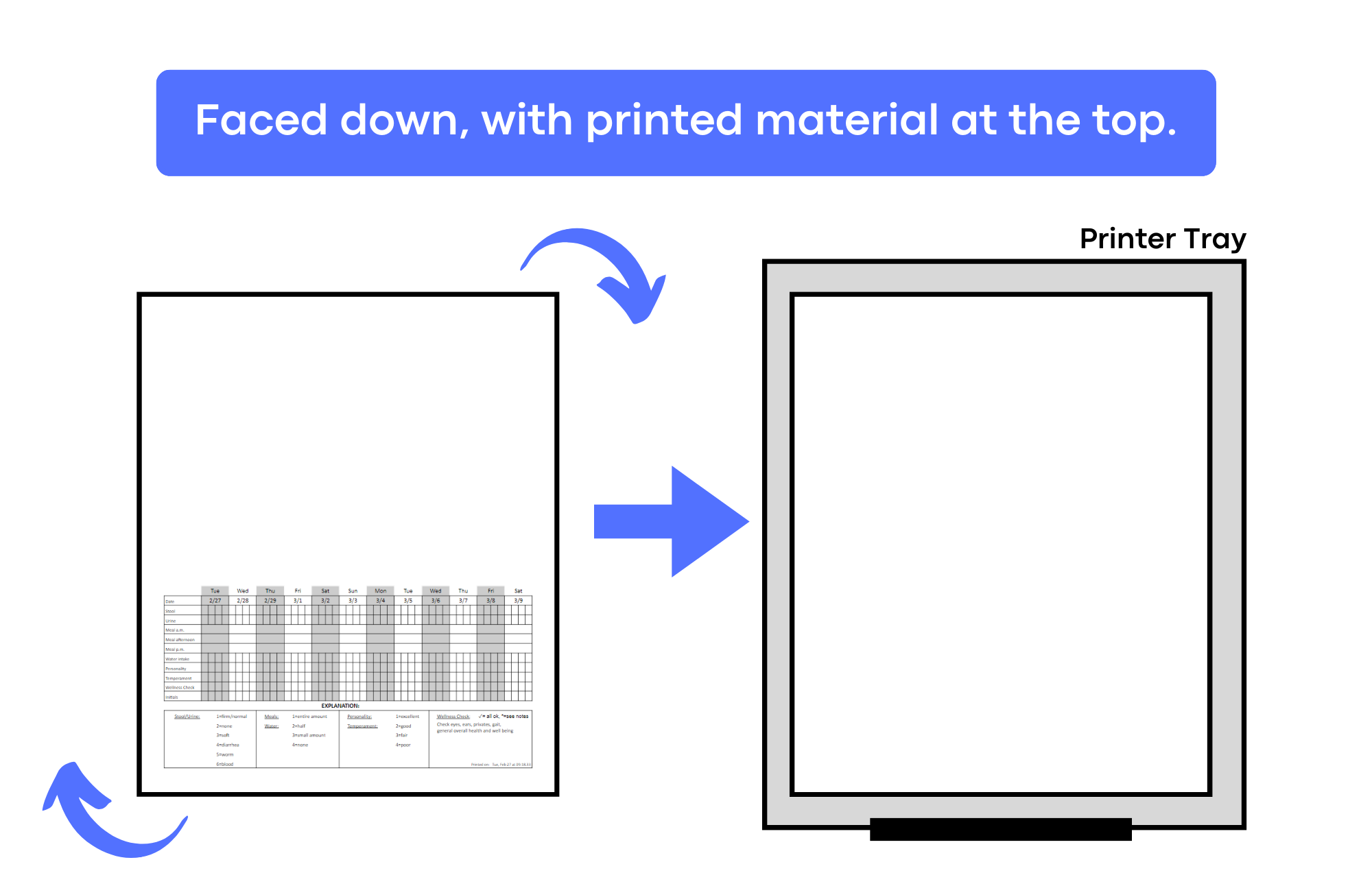
- Navigate to the desired pet's reservation. At the top right of the screen, press the print button, and press 'Print Run Card'. Proceed to print it out.
- The room card has been successfully printed (should have the pet's info on top, and the elimination/feeding chart at the bottom.)
- On the top left of each room card for dogs only, write what type of play they go to (individual, big, small, or medium). If the dog needs to be evaluated for group, write 'eval'.
- For all areas besides Luxury Suites and Cat Rooms, fold paper in half and put it in a plastic sleeve.
- For Luxury Suites and Cat Rooms, use a small piece of tape and stick the room card sheet to their door. :)
- Note: if pet has not arrived yet, place the room card on the table next to the R2 desk - where all the other room cards are.